How to Navigate Your Main Dashboard?
Learn how to navigate your main dashboard and quickly access an overview of your active bids, invoices, change orders, contracts, and recent activity—all from one centralized location.
Written By Susy Lozoya
Last updated 3 days ago
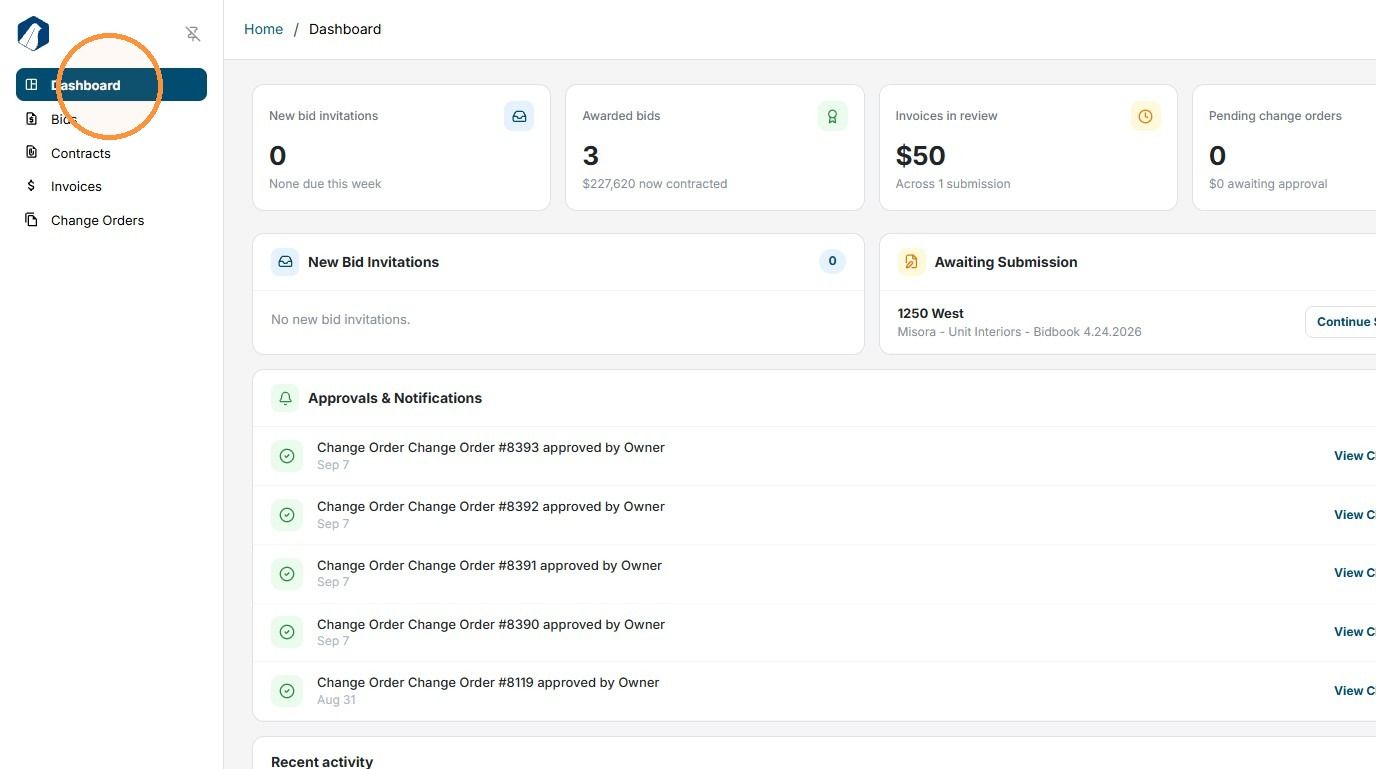
1. You can access the main dashboard from the Dashboard module.
The main dashboard provides an overview of all your active and ongoing bids, change orders, invoices, and related contracts in one centralized location, so you don’t need to navigate through each individual module.
This dashboard gives you a broader view of your activity across all projects and customers, helping you quickly understand the overall status and scenario of your ongoing work.
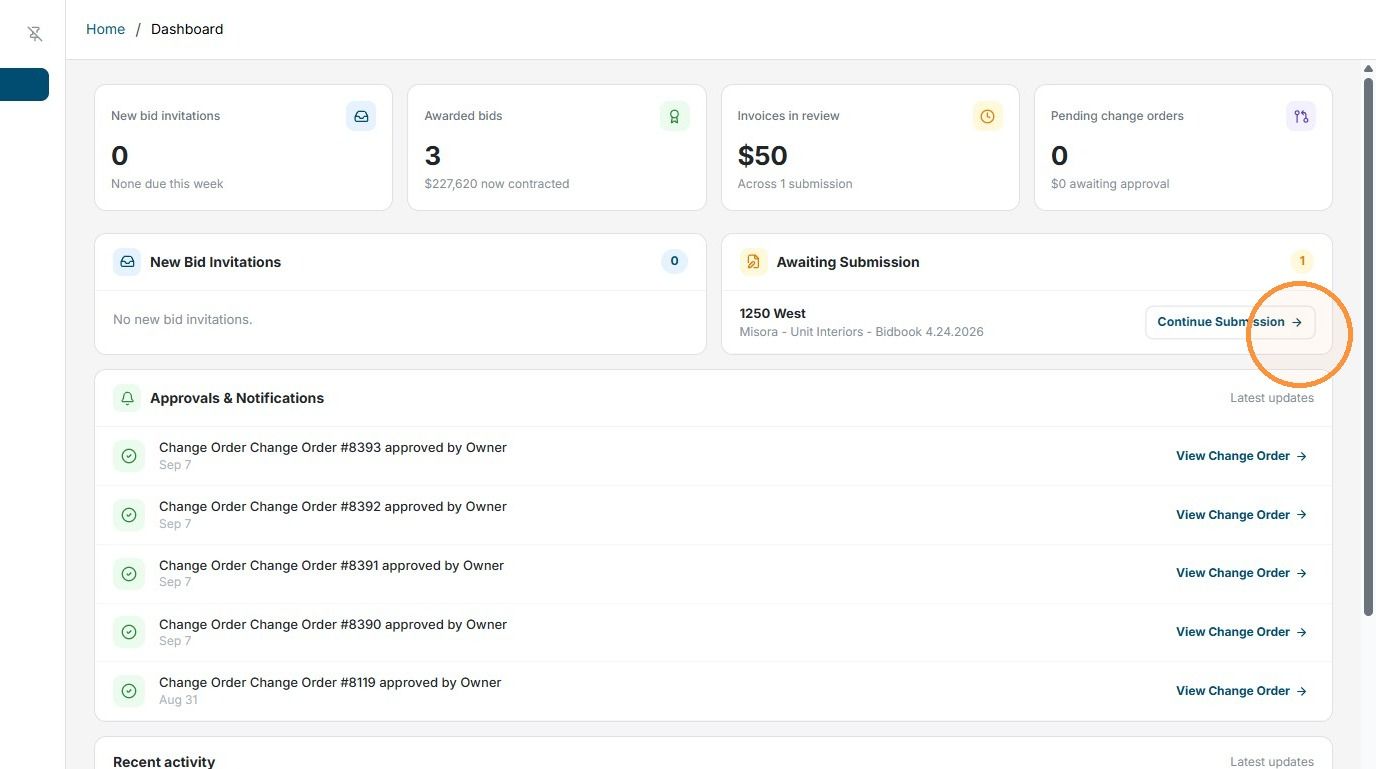
2. You can view the status of the bids you’ve been invited to or are actively participating in.
For bids that have not yet been submitted, click Continue Submission to resume and complete your bid.
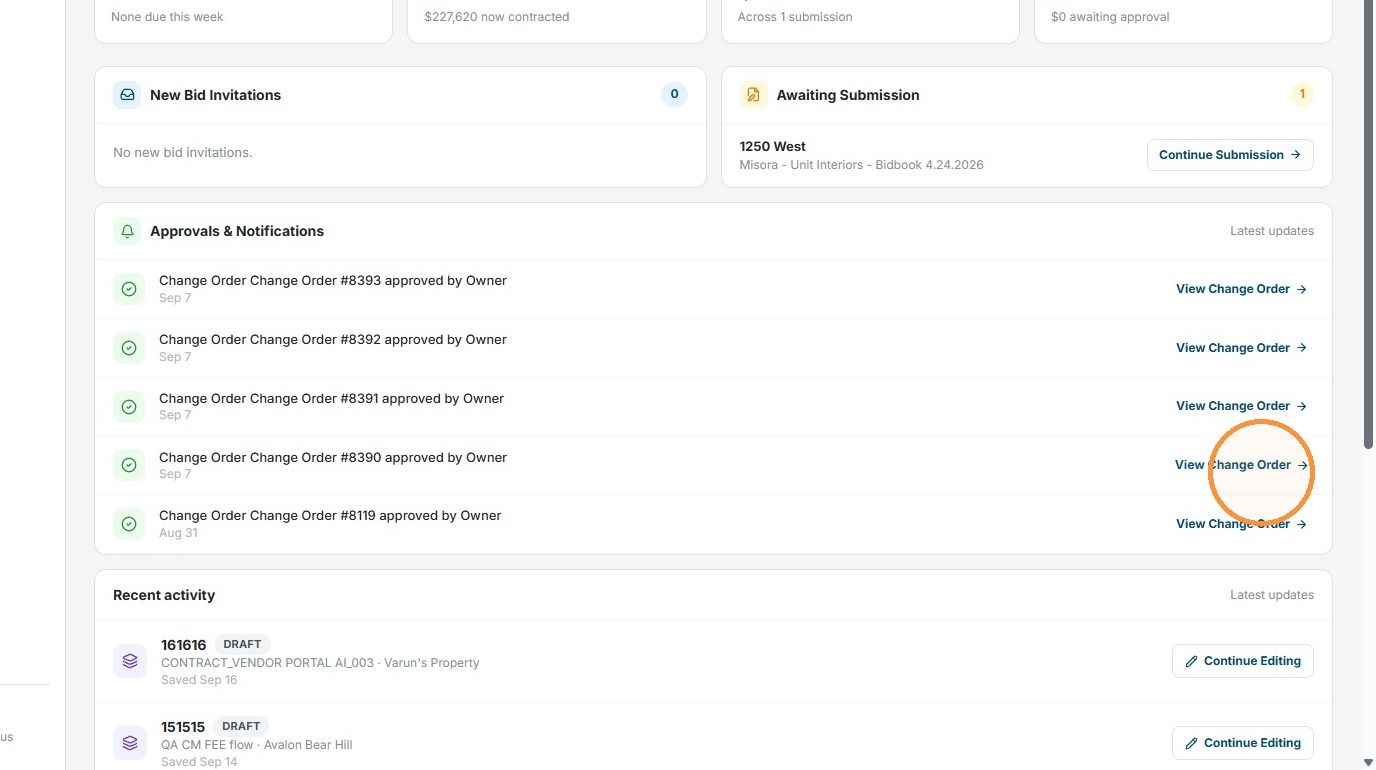
3. For any approved invoices or change orders, you’ll also be able to view them directly from the main dashboard.
Simply click View, and you’ll be directed to the corresponding invoice or change order for your re
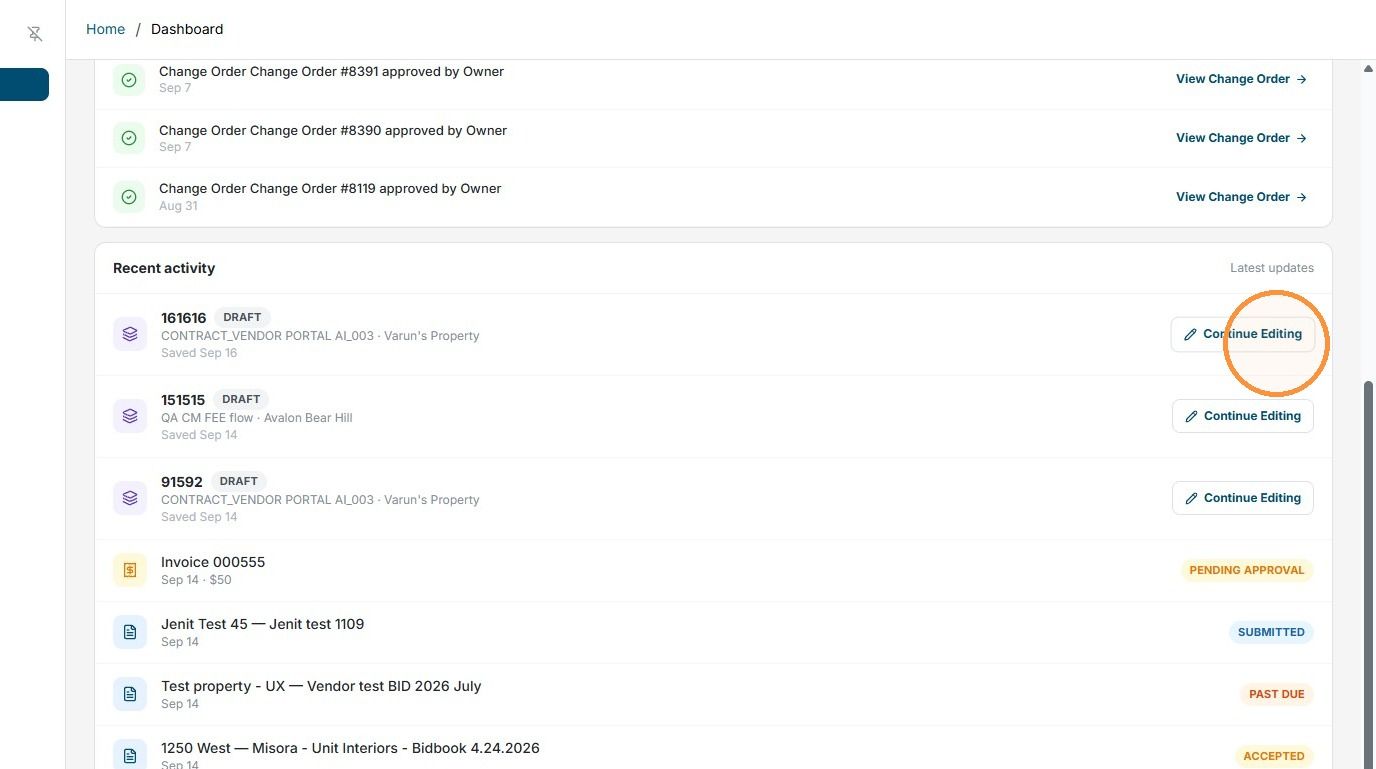
4. At the bottom of the dashboard, you’ll find a table showing your most recent activity across invoices, change orders, and bids.
This table allows you to quickly review items that have been awarded, past due, submitted, pending customer approval, or currently in draft, giving you a centralized view of your latest activity.
Still need help? Ask the team