How do you accept invite to set up your Tailorbird User?
This guide provides a straightforward process for accepting a Tailorbird invitation and verifying your email, ensuring you can join your team.
Written By Susy Lozoya
Last updated 3 days ago
Accepting the invite to set up your Tailorbird Core account
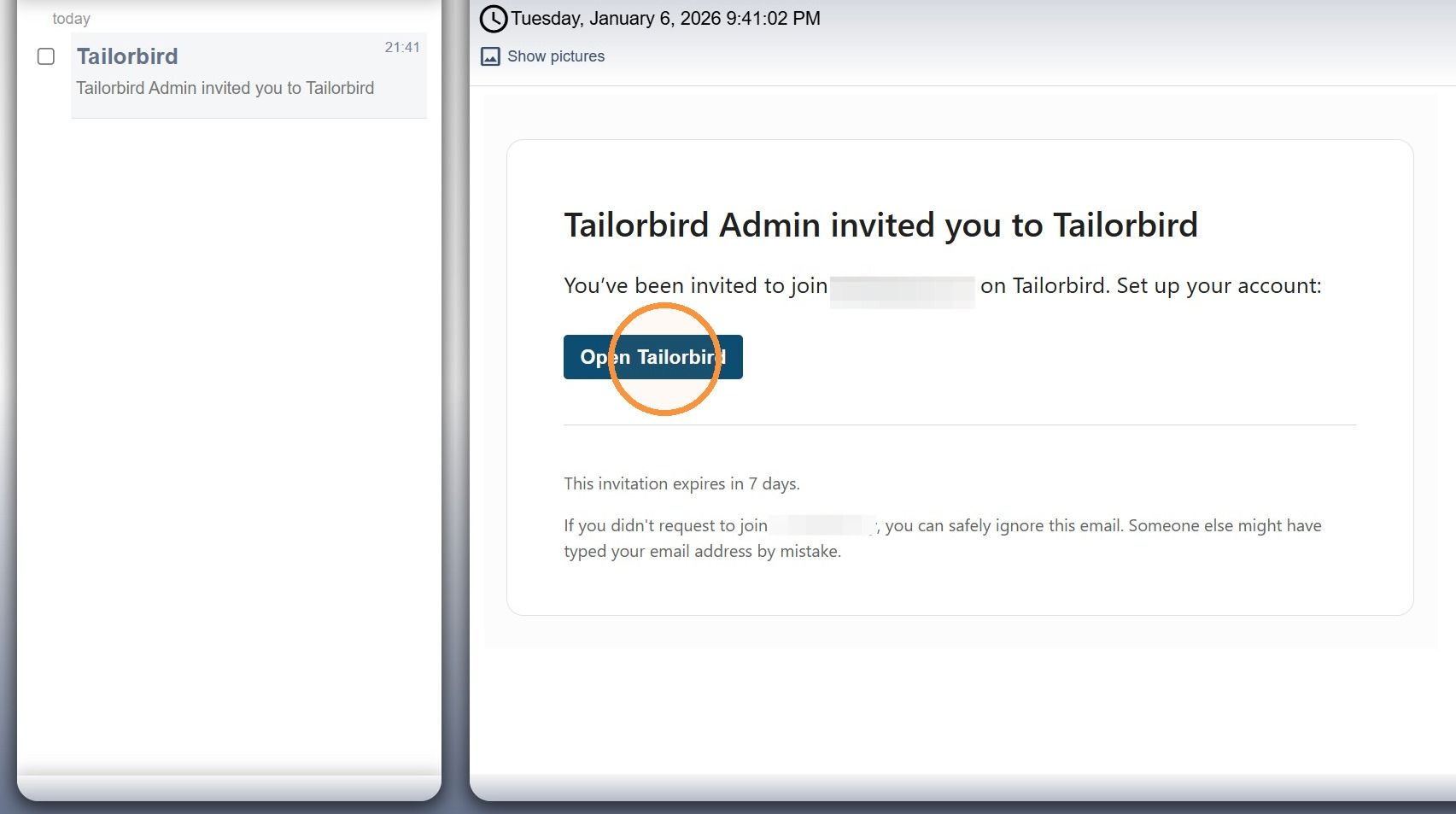
1. You will receive an invite email. Have a look at your main Inbox and SPAM.
Click the "Open Tailorbird" button.
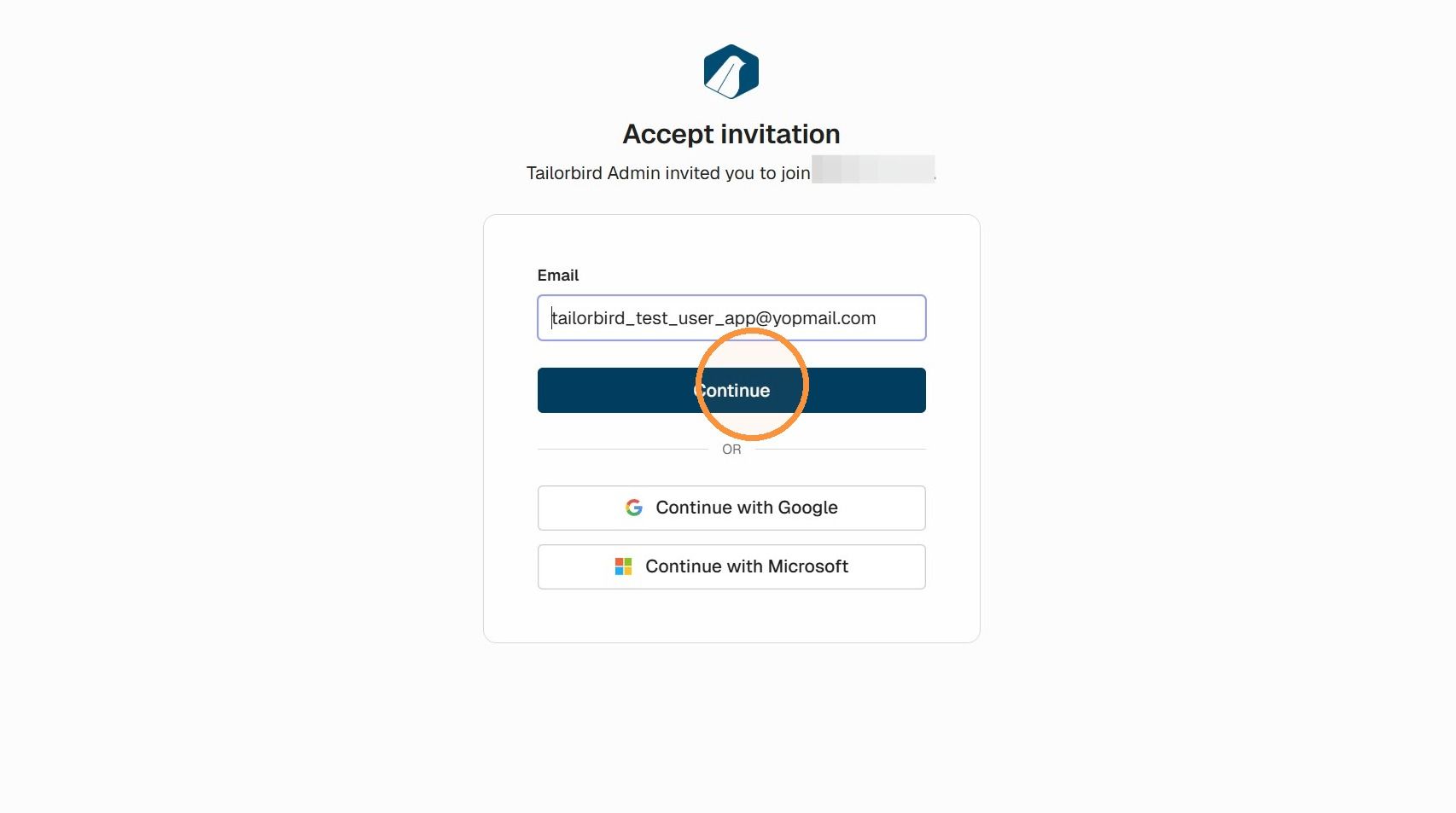
2. Click "Continue"
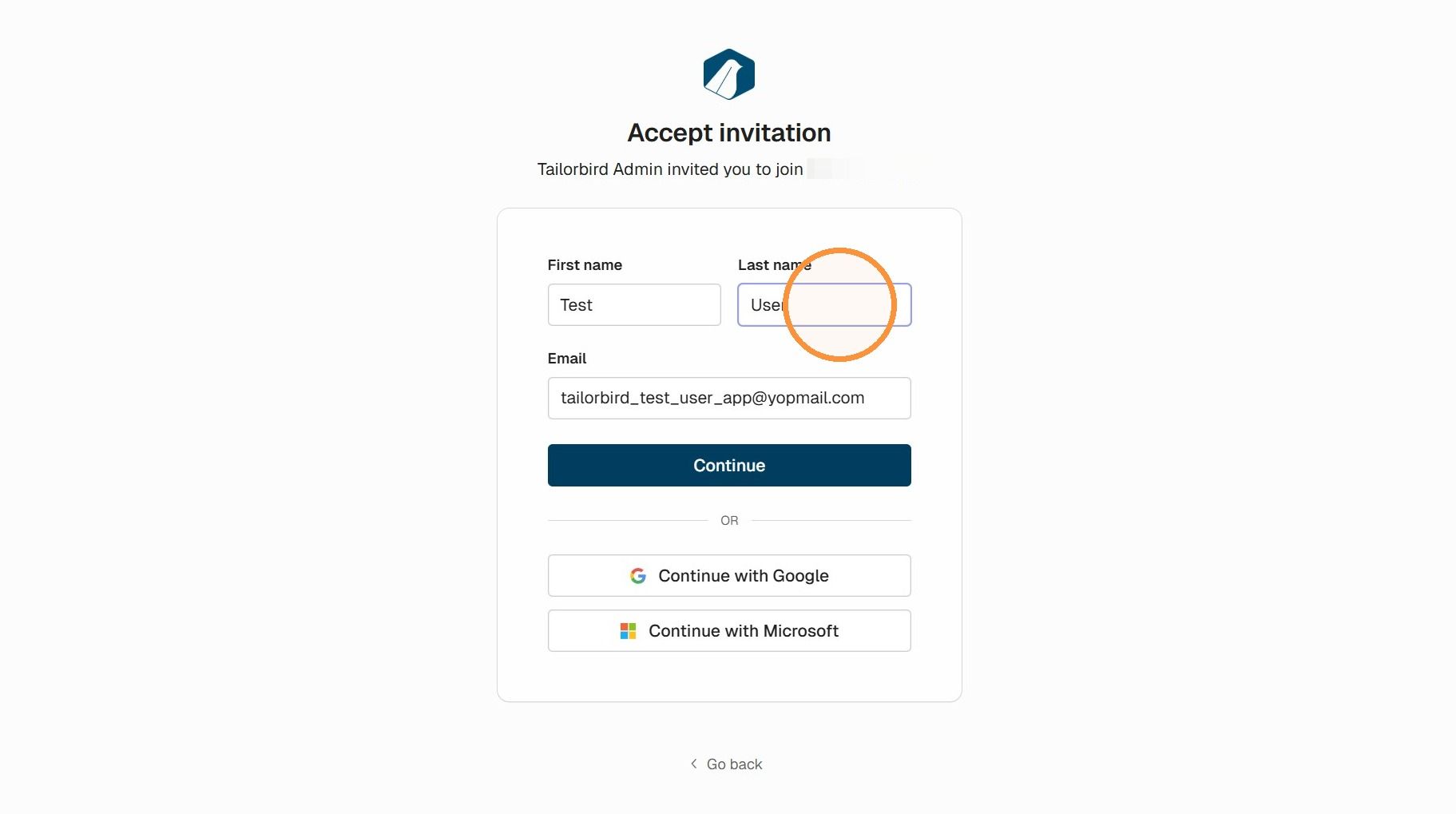
Setting up your user by providing your information
3. Type in your First and Last name
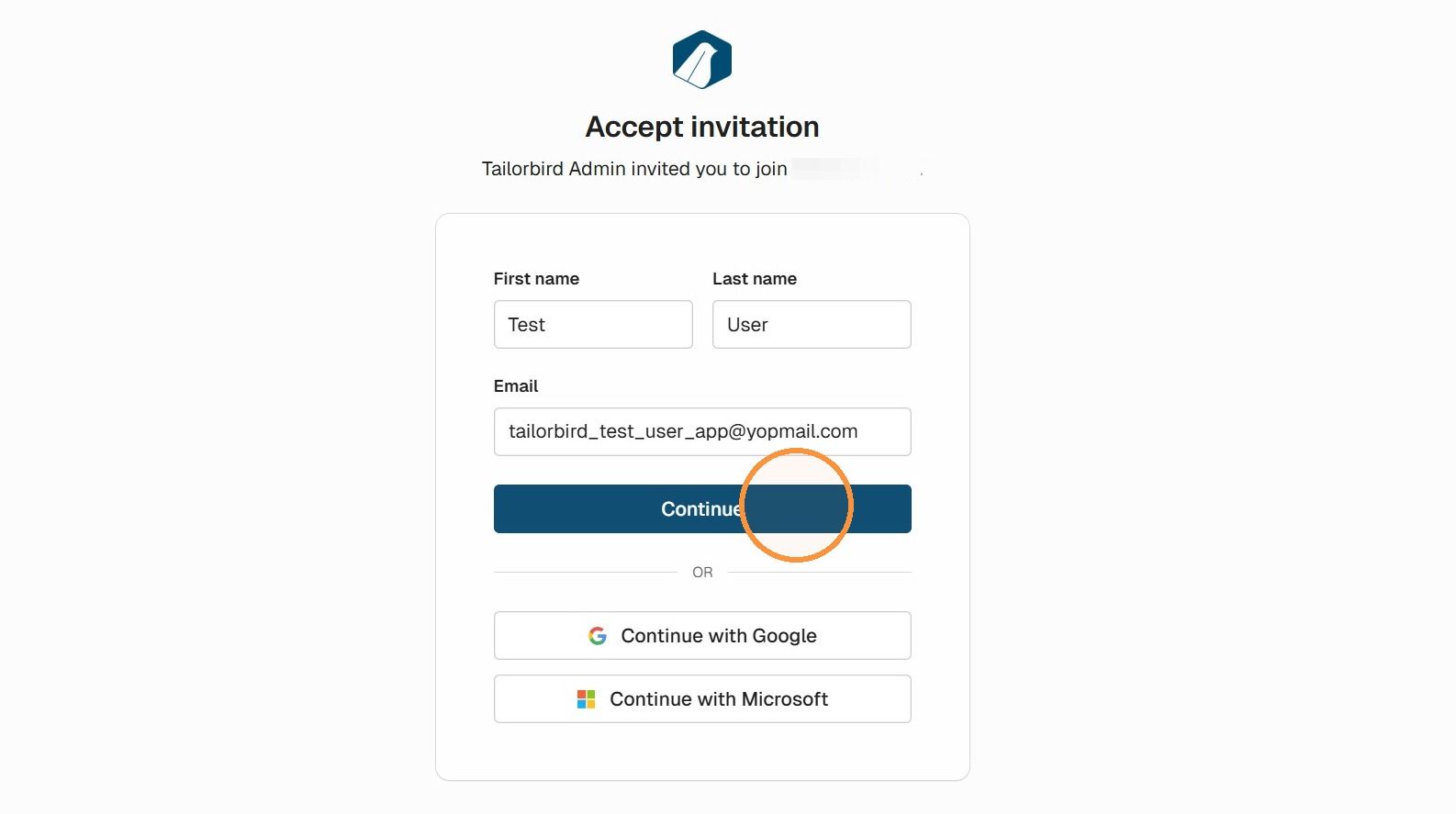
4. Click "Continue"
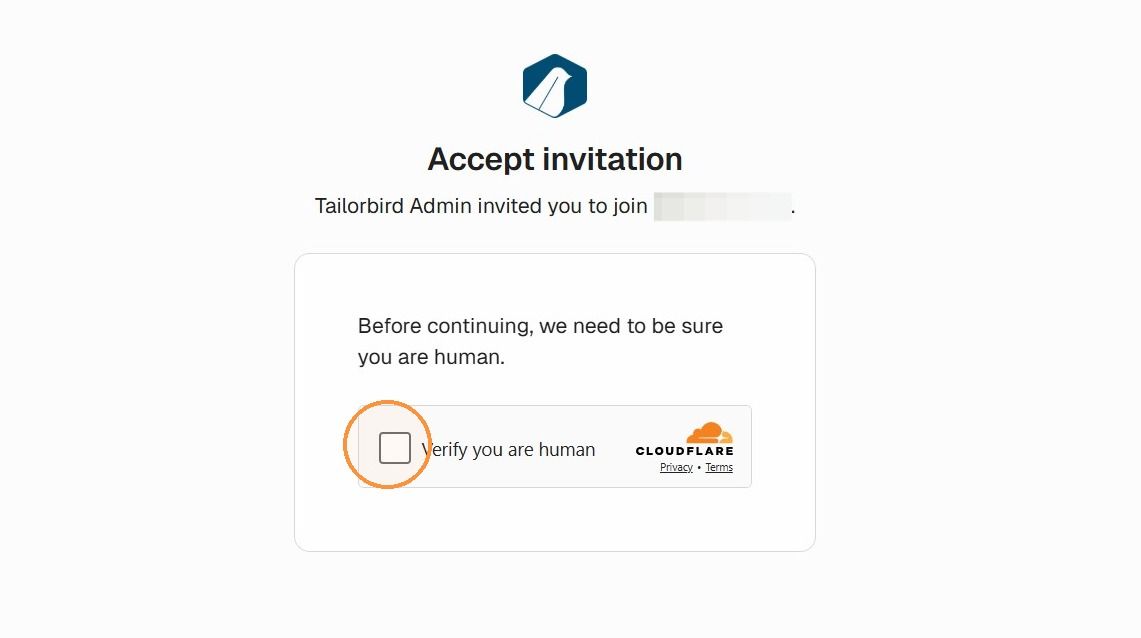
5. Cloudflare may ask for human verification, click the checkbox
Creating your password
6. Create a safe password. Try to combine letters, numbers and symbols. You can come up with a password on your own or use a password generator online.
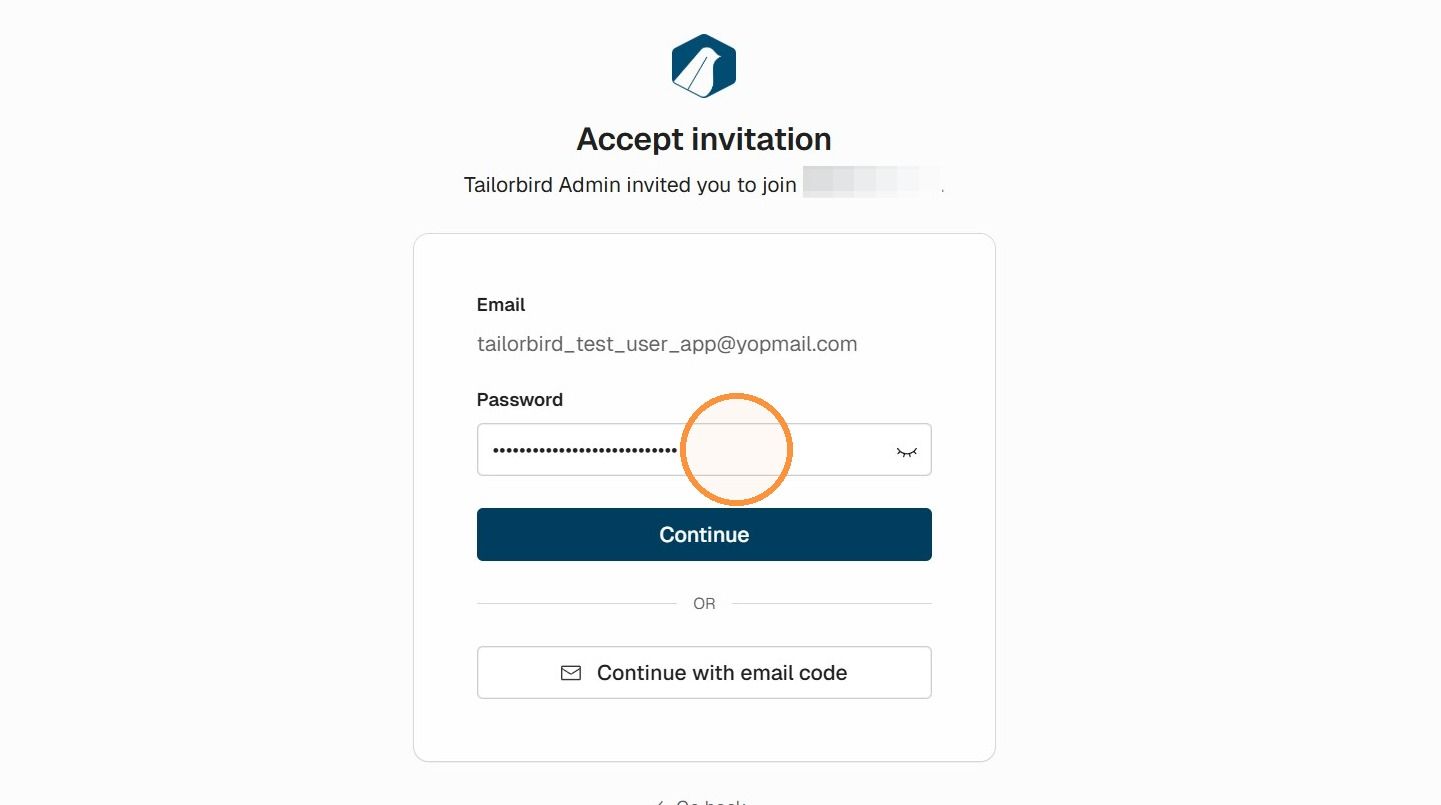
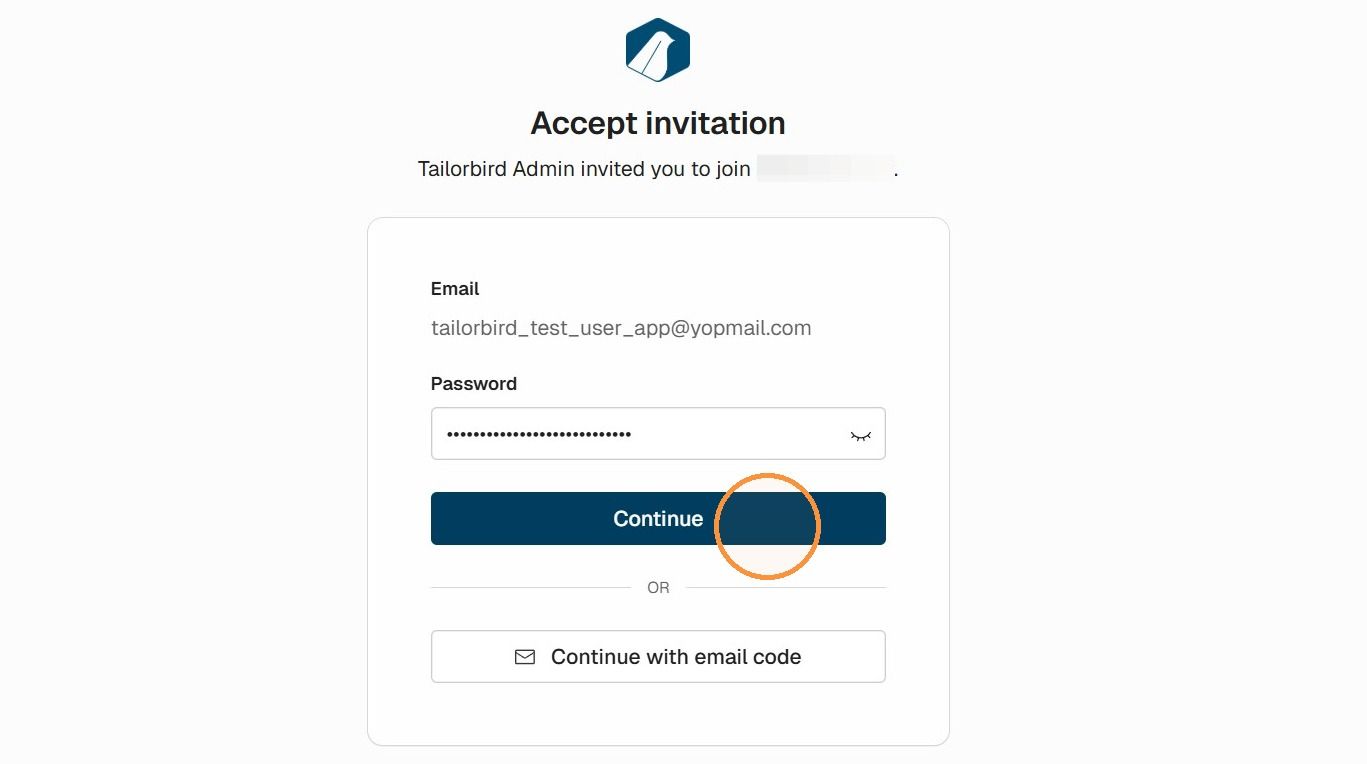
7. Click "Continue"
Verifying your email via code and accessing Tailorbird Core
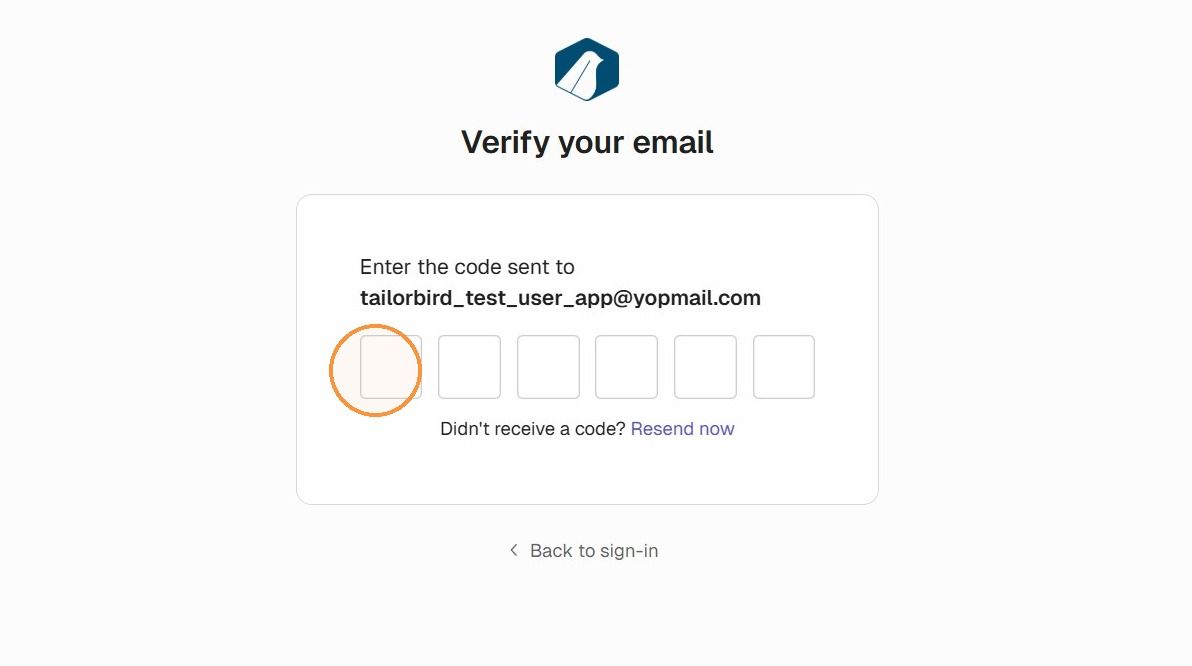
8. A verification request will be sent out to your email with a one time use code that expires after 10 minutes.
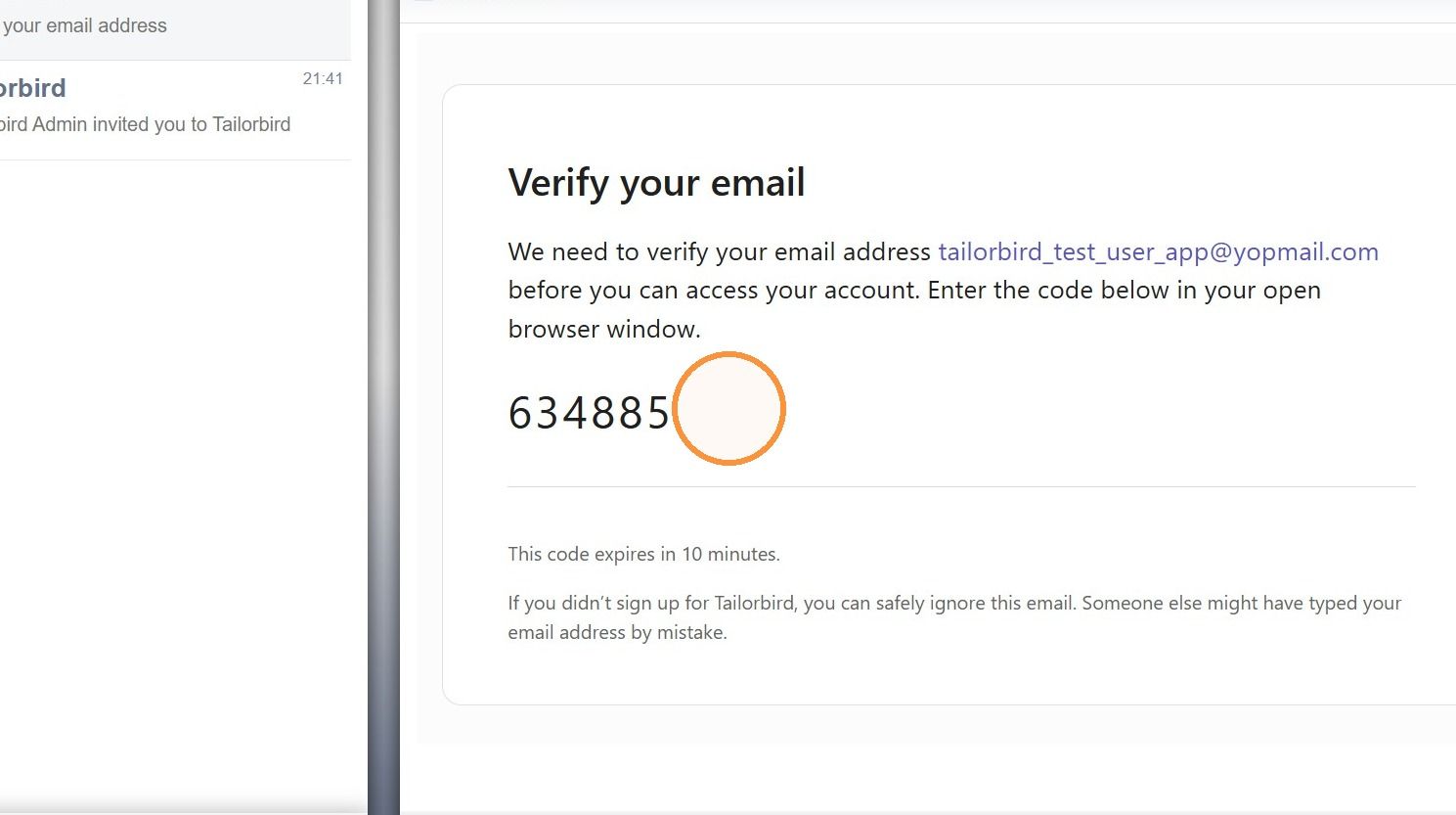
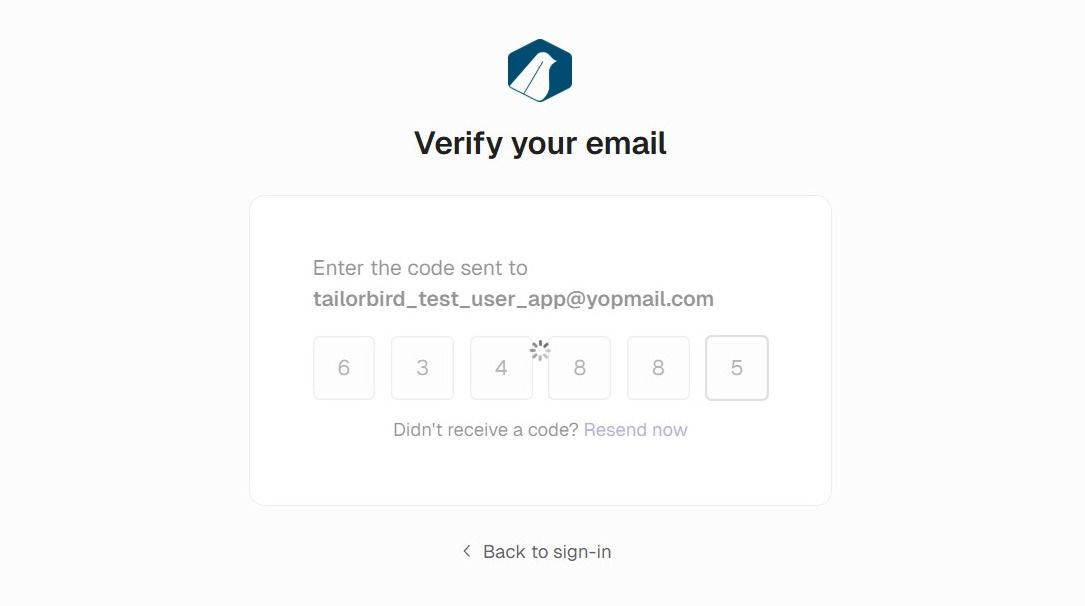
9. Type or paste the code in the verification screen.
10. The Code will be verified.
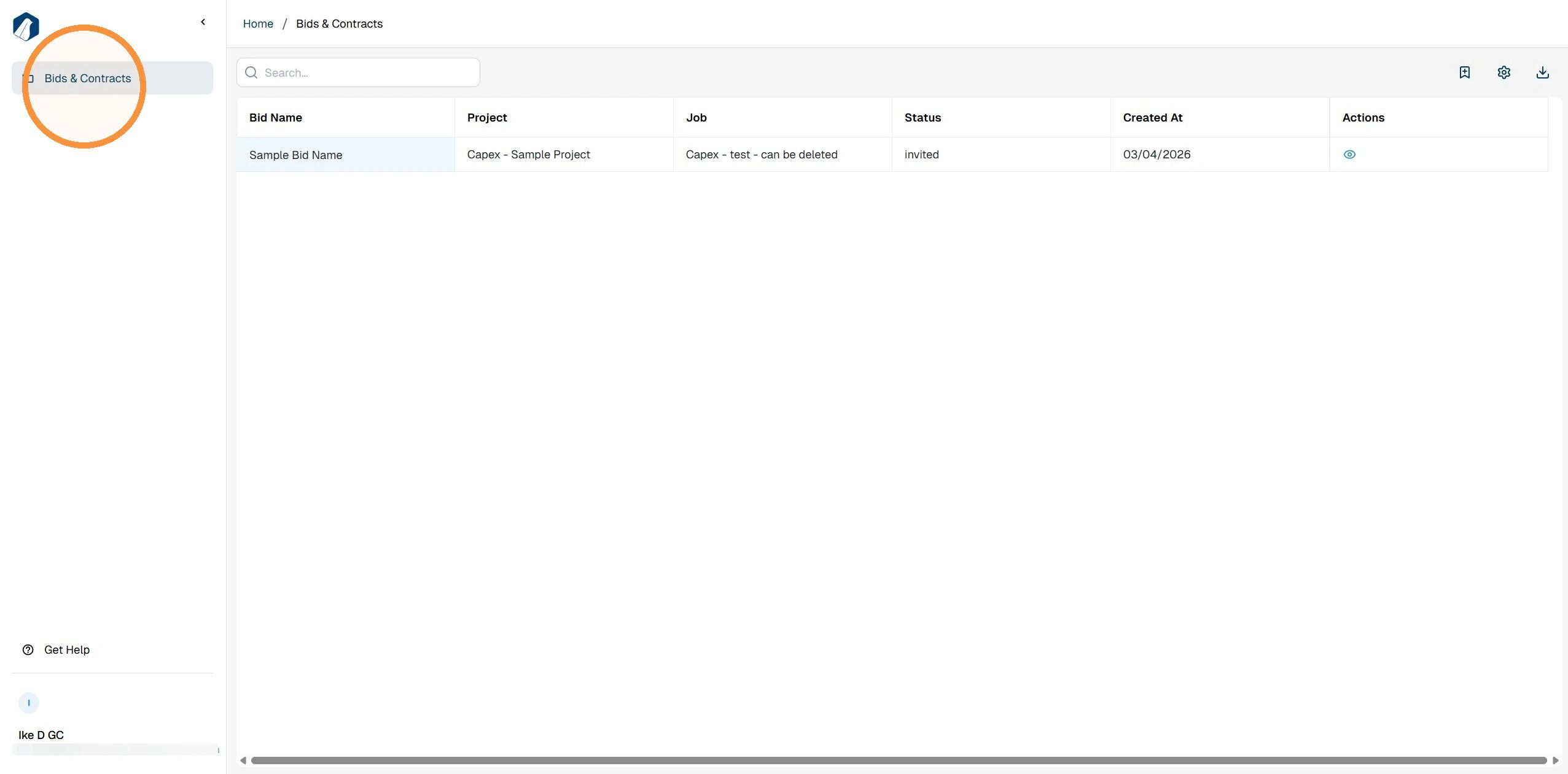
And you will be routed to the landing page of Tailorbird Core.
You are now good to go.
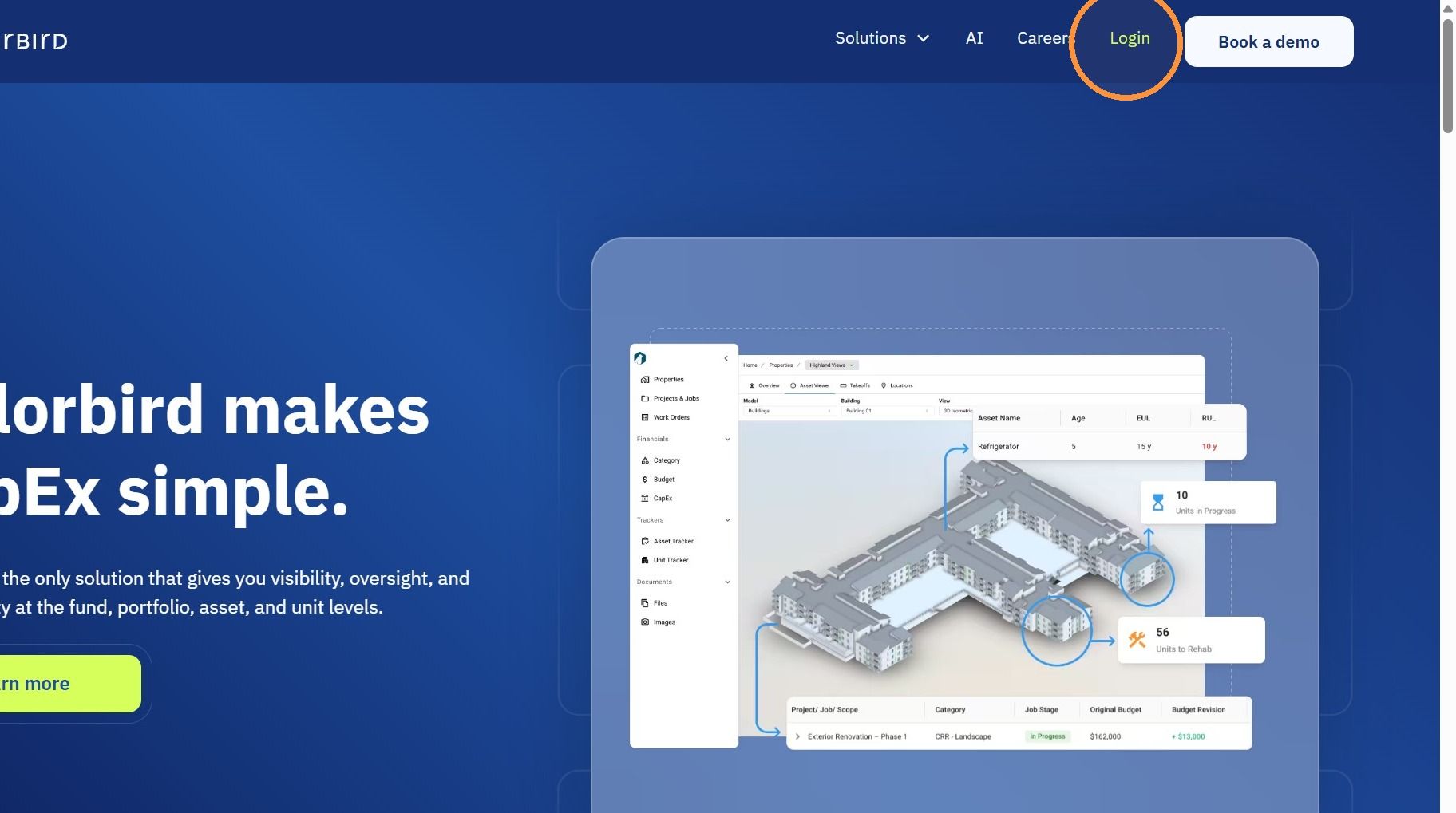
11. Next time you want to log in, navigate to tailorbird.com and hit the "Login" button.
Welcome to Tailorbird!
Still need help? Ask the team